


















Taming the Document Deluge
Documents drive most modern work. From academic papers and legal documents to patient files and marketing materials, the effective handling of information is critical for success. But managing an ever-growing pile of digital files remains a stubborn challenge for many professionals. The switch from paper to digital storage has shifted the problem rather than solved it - trading overstuffed filing cabinets for chaotic digital folders.
Modern document management combines time-tested principles with new digital capabilities. The core goals remain constant: making files easy to find, access, protect, and use efficiently. The key is creating a system that fits your specific workflow and technical comfort level. Good document management does more than prevent lost files - it transforms information from a source of stress into a valuable resource that helps you work better.
This guide will walk through 10 proven document management practices that work across different roles and industries. You'll learn practical ways to:
- Organize files logically and consistently
- Find documents quickly when needed
- Keep sensitive information secure
- Enable smooth collaboration
- Free up time for meaningful work
Whether you're dealing with dozens or thousands of files, these strategies will help you take control of your documents and work more effectively. Let's get started.
1. Standardized Naming Conventions

Clear file naming rules are essential for keeping documents organized and easy to find. Without a good system in place, searching for important files becomes frustrating and wastes time. Whether you need to locate last year's research or tomorrow's presentation, having standardized names makes all the difference.
A strong naming system includes these key elements:
- Clear structure: Use a consistent pattern with descriptive elements like "ProjectName_DocumentType_Date.docx" instead of vague names like "Document1"
- Version tracking: Add version numbers (v1.0, v2.0) to easily identify the latest file
- Consistent dates: Format dates as YYYY-MM-DD to avoid confusion and enable sorting
- Department codes: Include team identifiers to improve organization (e.g. "Marketing_Report_2024-07-26_v1.0.pptx")
The major benefits of good naming practices include:
- Easy file location: Find documents quickly using search and filters
- Fewer mistakes: Clear names prevent accidental overwrites and deletions
- Better workflows: Standard names enable process automation
- Team alignment: A shared system helps everyone work together smoothly
Some challenges to consider:
- Staff training needed: Teams need guidance on using the new system
- Regular updates: Conventions may need adjusting as needs change
- Complex for big teams: Creating rules that work across departments takes effort
Major companies like Microsoft and Google rely on strict naming protocols to handle their vast document libraries effectively.
Key Tips for Implementation:
- Use YYYY-MM-DD format for universal date clarity
- Include version numbers to track changes
- Keep names brief but descriptive
- Document your rules clearly and share them widely. For more guidance, check out Technical Writing Best Practices.
From research teams to medical offices, good naming conventions help bring order to file management. They make work more efficient and help create a more organized environment. Read also: [Tips for Effective File Management]. (This placeholder link can be replaced with a real link when available).
2. Cloud-Based Document Management
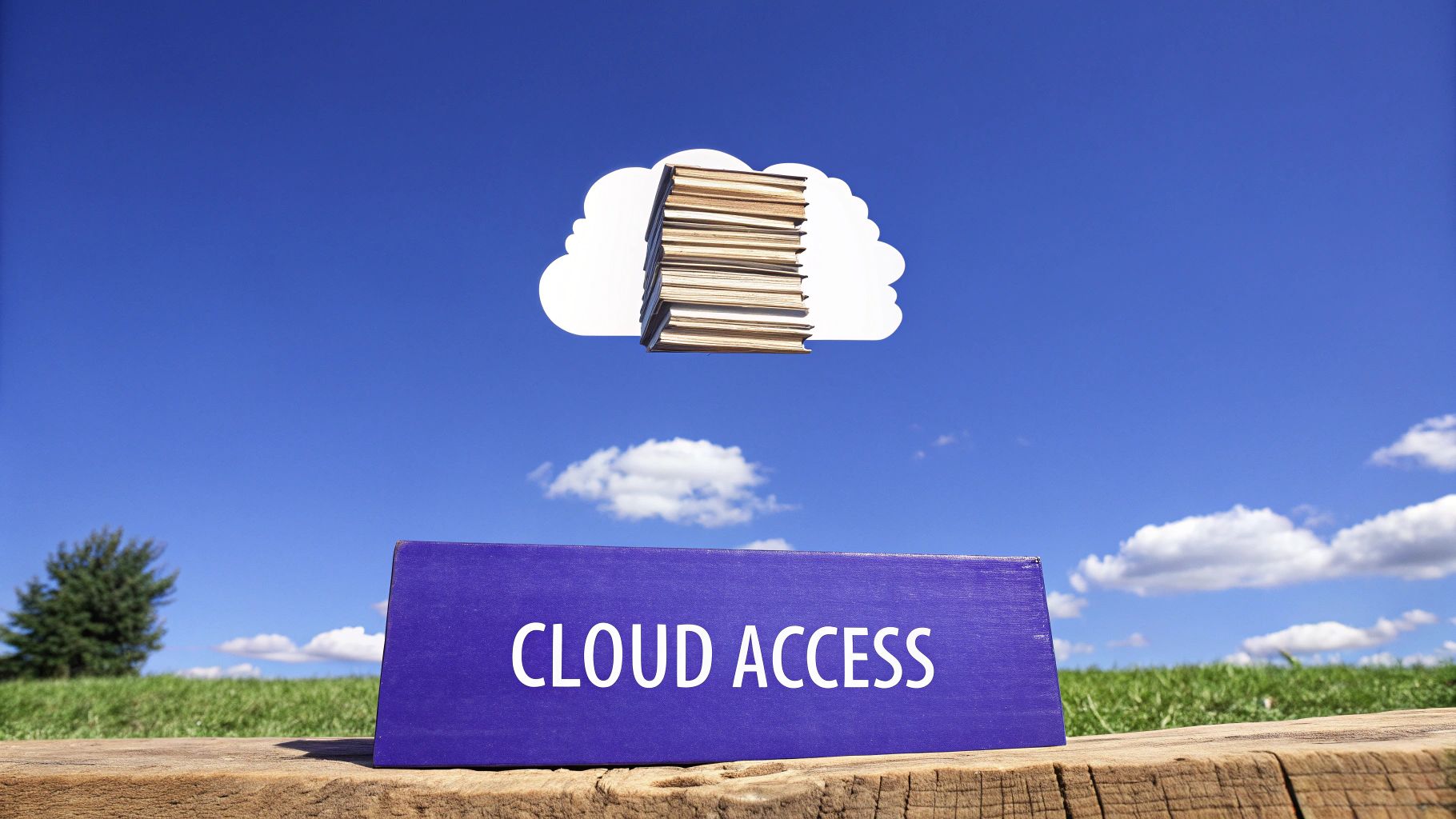
Cloud-based document management is changing how organizations store and share information. By using cloud storage systems, companies can centralize their documents in one place, making them easy to access and share across teams. This approach goes beyond traditional local storage, enabling better productivity and simpler workflows. Companies across many sectors - from research labs to law firms to medical offices - are adopting this practice.
The key features focus on modern team collaboration needs. Multiple team members can work on documents at the same time, removing version control headaches. Regular automatic backups protect important data, while version history lets you retrieve older document versions when needed. Detailed permission settings help keep sensitive information secure by controlling who can access what.
Services like Google Drive, Microsoft OneDrive, and Dropbox have made cloud document management mainstream. These platforms let people store and access files from any internet-connected device. The rise of remote work has accelerated the adoption of these tools as teams need better ways to collaborate online.
Real companies show the impact of cloud document management. Uber uses Google Workspace to help its global teams collaborate on projects and share documents instantly, no matter where they work. National Geographic relies on Dropbox Business to manage its extensive collection of photos, videos and research materials, giving teams worldwide access to ongoing projects.
Pros:
- Access anywhere: Get to your documents from any device with internet, perfect for remote work
- Lower costs: Save money by removing the need for on-site servers and IT equipment
- Auto-syncing: Keep all devices updated with the latest document versions
- Better security: Major cloud providers offer robust security features
Cons:
- Internet required: Can't access files without a stable internet connection
- Ongoing costs: Monthly fees replace one-time hardware purchases
- Privacy concerns: Storing sensitive data with external providers needs careful consideration
Tips for Successful Implementation:
- Set up proper permissions: Use detailed access controls based on roles
- Train your team: Make sure everyone knows how to use collaboration features
- Check backups regularly: Verify your backups work and files are recoverable
- Create sharing rules: Set clear guidelines for internal and external file sharing
Cloud document management deserves attention because it solves key challenges in modern document handling. Organizations that adopt this approach can work more efficiently, collaborate better, and keep their operations running smoothly.
3. Metadata Management
Metadata management is a crucial element in efficient document systems. Think of metadata as labels and descriptions that help classify and organize your documents. This systematic tagging transforms scattered files into an organized, searchable collection - essential for students, researchers, legal professionals, and anyone handling large amounts of information.
Instead of just using file names or folders, metadata provides rich context through descriptive tags and categories. For example, a research paper can include metadata like "author," "publication date," "keywords," and "research topic." This allows quick document retrieval using any of these details, eliminating the need to manually search through folders or remember exact filenames.
The key components that power effective metadata systems include:
- Custom fields tailored to your specific needs
- AI-powered auto-tagging tools that speed up classification
- Search indexing that incorporates metadata for better results
- Standard classification frameworks for consistent organization
The main benefits of good metadata management include:
- Faster document searches that save valuable time
- Better organized files for improved efficiency
- Simplified compliance tracking for audits and reporting
- Streamlined document lifecycle from creation to archiving
However, implementing metadata comes with some challenges. It can be time-consuming to set up, especially for large document collections. The system needs ongoing maintenance to stay accurate and useful. Without proper planning, metadata schemas can become overly complicated, making them harder to use effectively.
Key Implementation Tips:
- Choose essential metadata fields that match your needs
- Use automation tools to reduce manual tagging work
- Review metadata regularly to maintain quality
- Create clear guidelines for consistent use across teams
Popular platforms like SharePoint, Box, and M-Files have helped make metadata management more accessible by including built-in metadata features that work for organizations of all sizes.
You might be interested in: Information Retrieval Methods to understand how search works in these systems. Metadata plays a vital role in finding information efficiently within large document libraries. Read also: Best Practices for Data Organization for more tips on optimizing your information management.
Metadata management is essential because it turns document repositories into powerful knowledge hubs. A well-designed metadata system helps users quickly find exactly what they need, making information truly accessible and useful throughout an organization.
4. Document Retention Policies

Document retention policies are essential for managing sensitive information effectively. These policies provide guidelines for how long to keep specific documents and when to dispose of them properly. Getting this right is crucial for staying legally compliant, managing storage efficiently, and reducing risks.
The approach to document retention has changed significantly over time. In the past, organizations simply kept everything, leading to overcrowded storage spaces. The rise of digital documents and new regulations like GDPR and HIPAA made it clear that systematic retention and disposal were needed. This shift shows how organizations now take a more active role in managing their information.
Key Elements of Strong Retention Policies:
- Clear Schedules: Detailed lists that group documents by type and specify how long to keep them. Regular updates ensure these schedules stay current with new rules
- Smart Disposal Systems: Using software to automatically remove expired documents helps avoid mistakes and saves time
- Regulation Tracking: Systems that monitor legal requirements and notify staff about upcoming disposal deadlines
- Complete Records: Keeping detailed logs of all document handling provides proof of compliance during audits
Why These Policies Matter:
- Following the Law: Meeting legal requirements helps avoid fines and legal issues
- Lower Costs: Getting rid of old documents reduces storage expenses
- Better Organization: Clear rules help staff handle documents properly
- Safety First: Proper document management reduces risks from keeping unnecessary information
Common Challenges:
- Complex Rules: Understanding various industry regulations requires careful attention
- Ongoing Updates: Policies need regular review to stay current
- Consistent Use: Success depends on everyone following the rules
Real Examples:
- KPMG: Uses advanced systems to handle client data while meeting strict regulations
- Hospitals: Follow detailed rules for patient records under HIPAA guidelines
Practical Steps:
- Get Legal Help: Work with lawyers to ensure policies follow all rules
- Review Regularly: Check policies yearly or when regulations change
- Safe Disposal: Create secure methods for destroying both paper and digital files
- Staff Education: Help employees understand why these policies matter
Well-designed retention policies backed by the right tools help organizations handle information better and stay compliant. This careful approach to managing documents is essential for modern businesses.
5. Version Control System
Document management requires a reliable system for tracking changes over time. Version control lets teams access previous document versions, compare modifications, and restore older versions when needed. This capability is essential for maintaining document accuracy and preventing lost work.
Consider a team of lawyers working together on a contract. Without proper version tracking, multiple drafts could circulate and create confusion about which is current. For medical researchers collaborating on papers, version control provides detailed tracking of all changes to maintain data integrity.
Key Features and Benefits:
- Change History: Track exactly what changes were made, when, and by whom for full accountability
- Version Access: Maintain a complete log of all document versions and access any previous iteration
- Document Recovery: Easily restore previous versions if errors occur or changes need to be undone
- Team Collaboration: Enable multiple users to work on documents simultaneously without conflicts using features like branching and merging
Industry Adoption:
Version control started in software development for managing code changes. Tools like Git became standard for developers. The benefits soon spread to other fields as specialized document management platforms emerged. Cloud-based solutions have made version control accessible to diverse users from students to business teams.
Advantages and Limitations:
Benefits:
- Prevents accidental data loss and overwrites
- Records document evolution and decision history
- Enables smooth team collaboration
- Maintains consistency across versions
Challenges:
- Can be complex to set up and manage
- Requires storage space for version history
- Staff may need training on proper usage
Popular Tools:
- GitHub: Offers robust document version control beyond just code
- Adobe Creative Cloud: Built-in version tracking for design files
Implementation Tips:
- Clear Versioning: Use a logical numbering system (v1.0, v1.1, etc.)
- Regular Backups: Keep separate backups of your version control system
- Document Changes: Note reasons for changes when saving new versions
- Access Rules: Set clear permissions for who can modify and access versions
A well-implemented version control system helps organizations maintain document integrity, improve collaboration, and boost productivity through better change management.
6. Document Security Protocols

Protecting sensitive information is essential for any organization that handles confidential data like student records, research, legal documents, medical histories, or business strategies. Document security protocols provide critical safeguards against unauthorized access and tampering. These protocols deserve careful consideration when establishing document management best practices.
Key security features that organizations should implement include:
- Encryption: Converts readable data into an encoded format that protects information during storage and transmission
- Access Controls: Defines user permissions and restrictions based on roles and individual needs
- Audit Trails: Records all document activities including access, modifications, and deletions to enable monitoring and investigations
- Multi-Factor Authentication (MFA): Requires multiple verification methods like passwords, security tokens, or biometrics for enhanced protection
The main advantages of strong security protocols are:
- Data Protection: Prevents unauthorized document access and changes
- Regulatory Compliance: Helps meet data protection requirements like HIPAA, GDPR, and FERPA
- Risk Management: Reduces potential data breaches and security incidents
- Access Control: Limits document access to authorized personnel only
Some challenges to consider:
- Setup Costs: Initial investments needed for software, hardware, and training
- Process Changes: Additional security steps may impact existing workflows
- Management Needs: Requires dedicated resources to administer complex protocols
Real Examples of Evolution:
Document security has evolved from physical controls to sophisticated digital protections. Services like DocuSign, Adobe Sign, and Microsoft Information Protection have made secure document workflows more accessible. For example, when a university implemented Microsoft Information Protection, they saw major reductions in student record breaches.
Implementation Tips:
- Regular Security Reviews: Schedule periodic assessments to find and fix vulnerabilities
- Staff Training: Educate employees on security practices and protocol compliance
- Protocol Updates: Keep security measures current with new threats and technologies
- Activity Monitoring: Check access logs regularly for suspicious behavior
By implementing proper document security protocols, organizations across sectors - from schools and law firms to marketing agencies and healthcare providers - can effectively protect sensitive information while maintaining efficient document management systems.
7. Workflow Automation
Document workflow automation shifts manual, paper-based tasks into efficient digital processes for routing, approval, and processing. By digitizing document flows, organizations improve speed, minimize mistakes, and always know the status of important files.
Key features of workflow automation include automated routing based on predefined rules, digital signatures for faster approvals, real-time status tracking, and integration with existing business systems like Salesforce and ServiceNow. These capabilities make it essential for modern document management.
8. Document Classification System
An organized document classification system is essential for effective document management. It creates a clear framework for organizing documents by their content, purpose, and sensitivity level.
9. Regular Auditing and Cleanup
Document management systems need ongoing maintenance to work effectively. Just like any system, they need regular check-ups to ensure peak performance and compliance with regulations.
10. Employee Training Program
A strong document management system works best when your team knows how to use it properly. Having a well-designed employee training program makes the difference between just having a system and having one that delivers real results.
Make Your Document Management Work Better
We've explored ten essential document management best practices in this guide - from basic file naming rules to cloud storage, security measures, and regular system reviews.
Ready to handle your documents more effectively? Documind uses GPT-4 to help you work with PDFs in new ways.